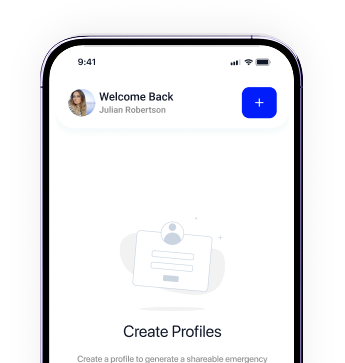
Only parents can create and manage child profiles.
Only emergency-safe information is shared publicly.
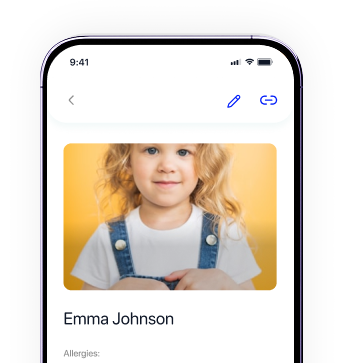
Update details anytime to keep information current. Just tap the child’s card on the home screen.
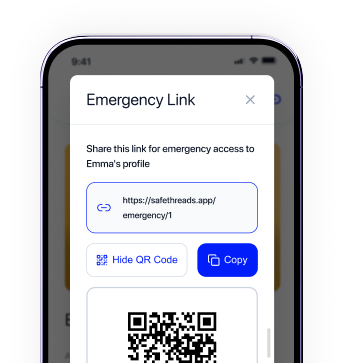
Copy the unique emergency link. This link is automatically tied to your child’s profile.
To connect your SafeThreads profile to an NFC tag, you’ll use the free NFC Tools app.
Download the free “NFC Tools” app. It’s the industry standard for writing tags and works on most modern phones.
Open the app and tap the main button.
Tap “Add a record,” then select URL / URI to add the SafeThreads emergency link.
Paste the unique secure link you copied from the SafeThreads app in the previous section.
Tap “Write” then hold your phone near the SafeThreads patch. You will see a “Write Complete” message when finished.
Download SafeThreads today and join thousands of people who have chosen a smarter way to stay safe.